
Troubleshooting Common eSIM Activation Issues
Troubleshooting Common eSIM Activation Issues
By the eSimDual.com Team
At eSimDual.com, we know that eSIM technology makes digital connectivity easier. But like any innovation, it can sometimes come with a few activation issues. In this guide, our team explains the most common problems and, more importantly, how to fix them easily.
1. My device is not eSIM-compatible
Issue:
You can’t add an eSIM, or the “Add Mobile Plan” option does not appear.
Solution:
- Make sure your device is eSIM-compatible (iPhone XR or newer, Google Pixel, Samsung Galaxy S and Z series, etc.).
- Some versions sold in certain regions, such as China, do not support eSIM, even if the model appears compatible.
- Check our compatible device list to confirm.
2. The QR code does not work
Issue:
After scanning the QR code, nothing happens or an error message appears.
Solution:
- Make sure you are connected to the internet (Wi-Fi recommended).
- Check that the QR code has not already been used.
- If needed, log in to your eSimDual.com account to generate a new profile.
3. Activation fails without a clear reason
Issue:
The installation appears successful, but the eSIM does not activate or shows “No service”.
Solution:
- Restart your device.
- Manually enable the eSIM line in your cellular settings.
- Make sure data roaming is enabled if you are abroad.
- Delete the eSIM profile and reinstall it from your eSimDual.com dashboard.
4. My primary carrier is blocking the activation
Issue:
Some carriers restrict the use of secondary or third-party eSIM profiles.
Solution:
- Use your eSimDual.com eSIM as a secondary data line.
- Make sure your phone is unlocked and not restricted to a single carrier.
- Contact our 24/7 support team if you need assistance.
5. My eSIM does not work abroad
Issue:
No signal appears even after a successful installation.
Solution:
- Turn on data roaming in your device settings.
- Make sure you selected the correct destination or region when purchasing your eSIM on eSimDual.com.
- Manually enter the correct APN settings if required.
Special cases: iPhone, Android and more
On iPhone
- Go to Settings > Cellular > Add Mobile Plan.
- If the QR code does not respond, force close the Settings app and try again.
On Android (Samsung, Pixel, etc.)
- Go to Settings > Mobile Network > Add Carrier.
- Make sure your Android version is up to date.
Our Promise at eSimDual.com
With eSimDual.com, you get:
- A user-friendly dashboard to manage your eSIMs
- Fast customer support by chat, email, and WhatsApp
- A wide range of affordable international data plans
We are here to make eSIM activation simple, fast, and reliable, whether you are in France or traveling around the world.
Need help? We are here for you.
Our team is available 24/7 to support your eSIM activation.
Contact us at support@esimdual.com or visit our Help Center.
Tried our eSIM?
Share your experience in the comments or on social media using the hashtag #eSimDualExperience.
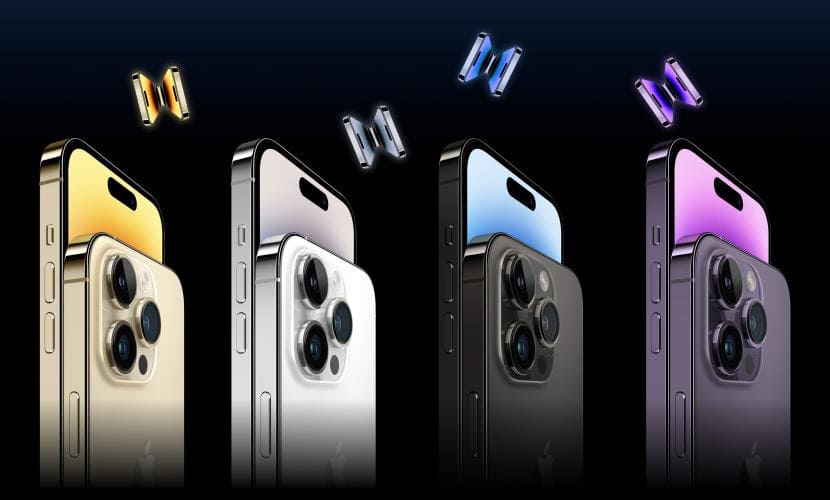
List of eSIM compatible devices
23 Sep 2025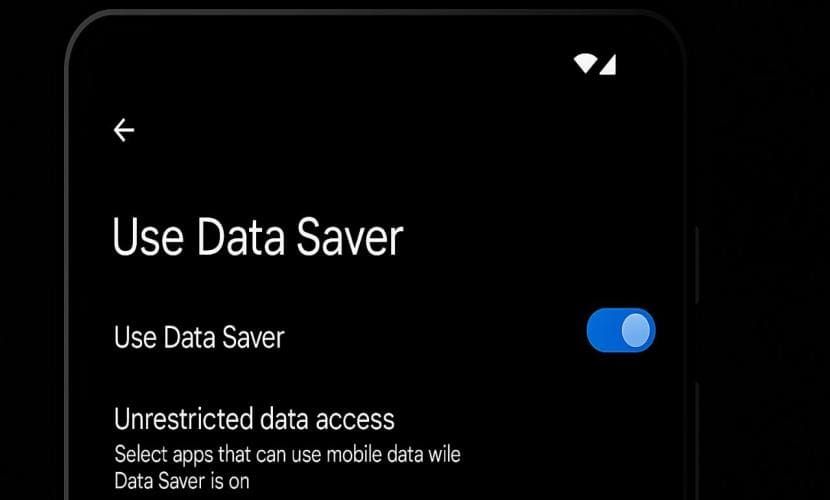
Android (Data Saver)
22 Sep 2025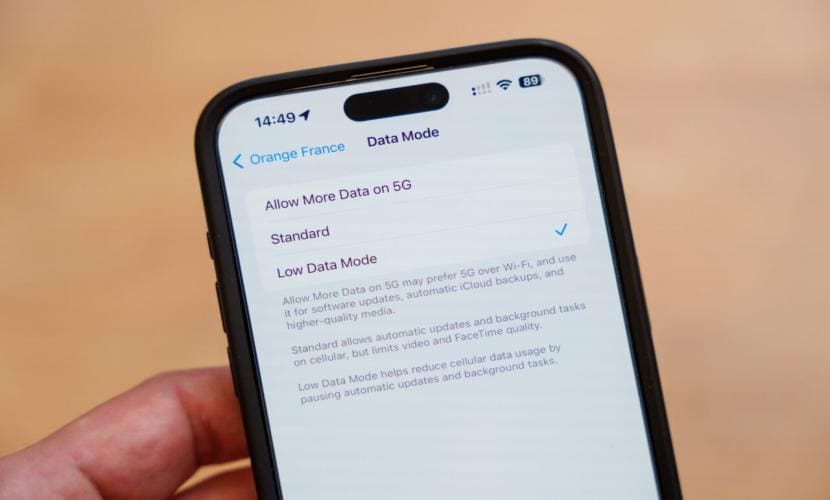
iOS (low data mode)
22 Sep 2025